Smart Plant Watering System
The Smart Plant Watering System is a beginner-friendly automation project that uses the micro:bit and the sensors in your Neo Beginner Kit to automatically water a plant based on soil moisture levels. This project introduces students to environment sensing, conditional automation, and safe control of external devices using a relay and water pump.
What It Does
The system continuously monitors the soil moisture sensor.
-
If the soil is dry, the micro:bit activates the relay, turning ON the water pump to water the plant.
-
If the soil is wet enough, the pump remains OFF. The OLED display shows real-time soil readings and watering status, making it easier to understand how the system behaves.
This forms the foundation for environmental automation systems used in agriculture and home gardening.
Hardware Used
This project uses the following modules from the Neo Beginner Kit:
-
Soil Moisture Sensor – Detects dryness or moisture in the soil
-
NeoPixel Ring – Shows whether the plant is happy (green) or sad (red)
-
Relay Module – Safely turns the pump ON and OFF
-
Water Pump + Tube – Pumps water into the plant
-
OLED Display (I2C) – Shows moisture level and pump status
-
Breakout Board + Connection Cables – Plug-and-play connections to micro:bit
How It Works
-
The soil moisture sensor sends an analog value to the micro:bit.
-
The micro:bit compares this value to a threshold (dry vs. wet).
-
If the soil is dry, the micro:bit triggers the relay, powering the water pump.
-
The pump runs for a few seconds and then stops to avoid overwatering.
✅ Once you understand how smart plant watering system works, you can expand this idea into different areas of agriculture.
Connection to the breakout
- Connect the Soil Moisture metal probe to the module board using the black and red wires as shown below:
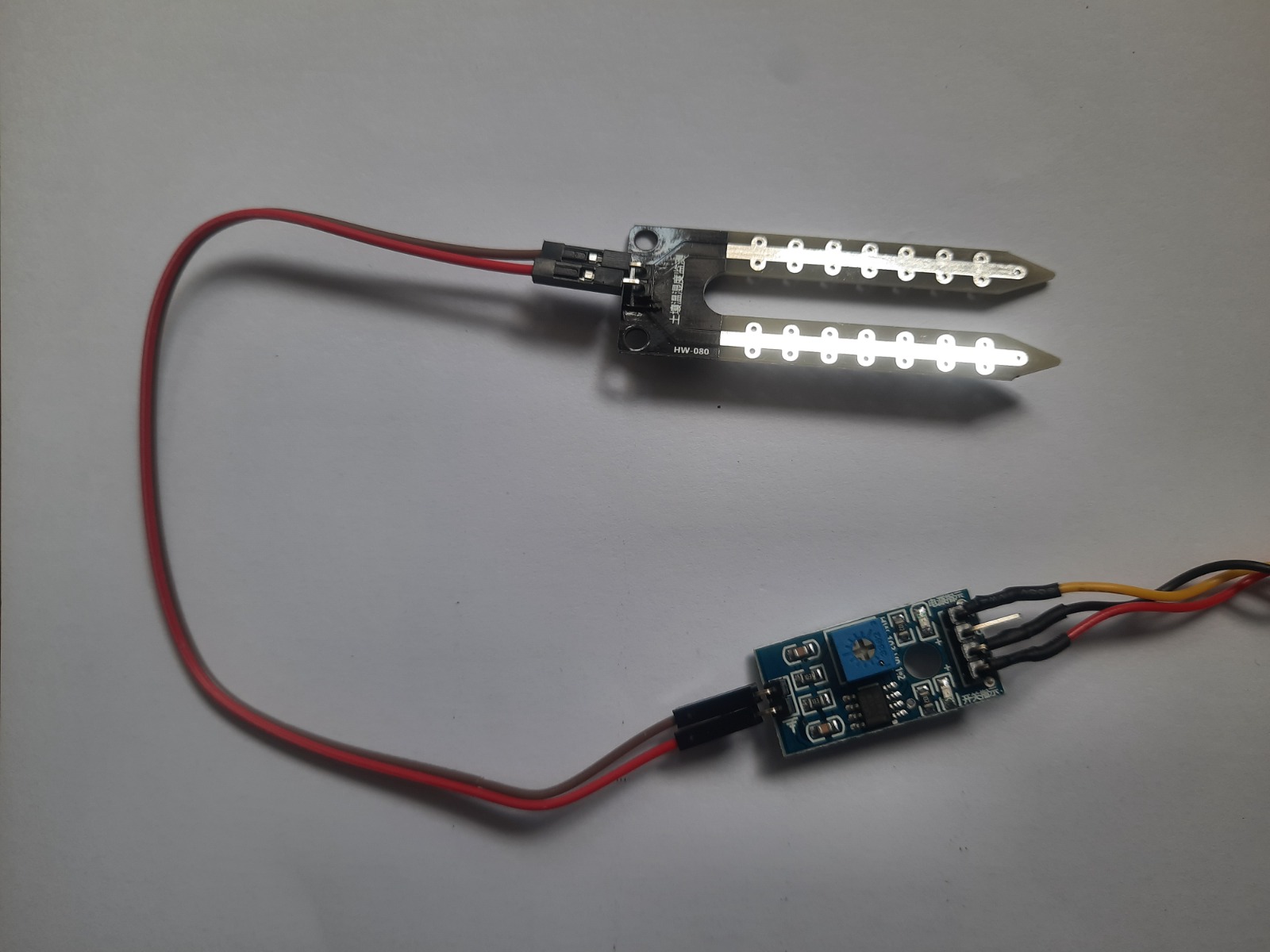
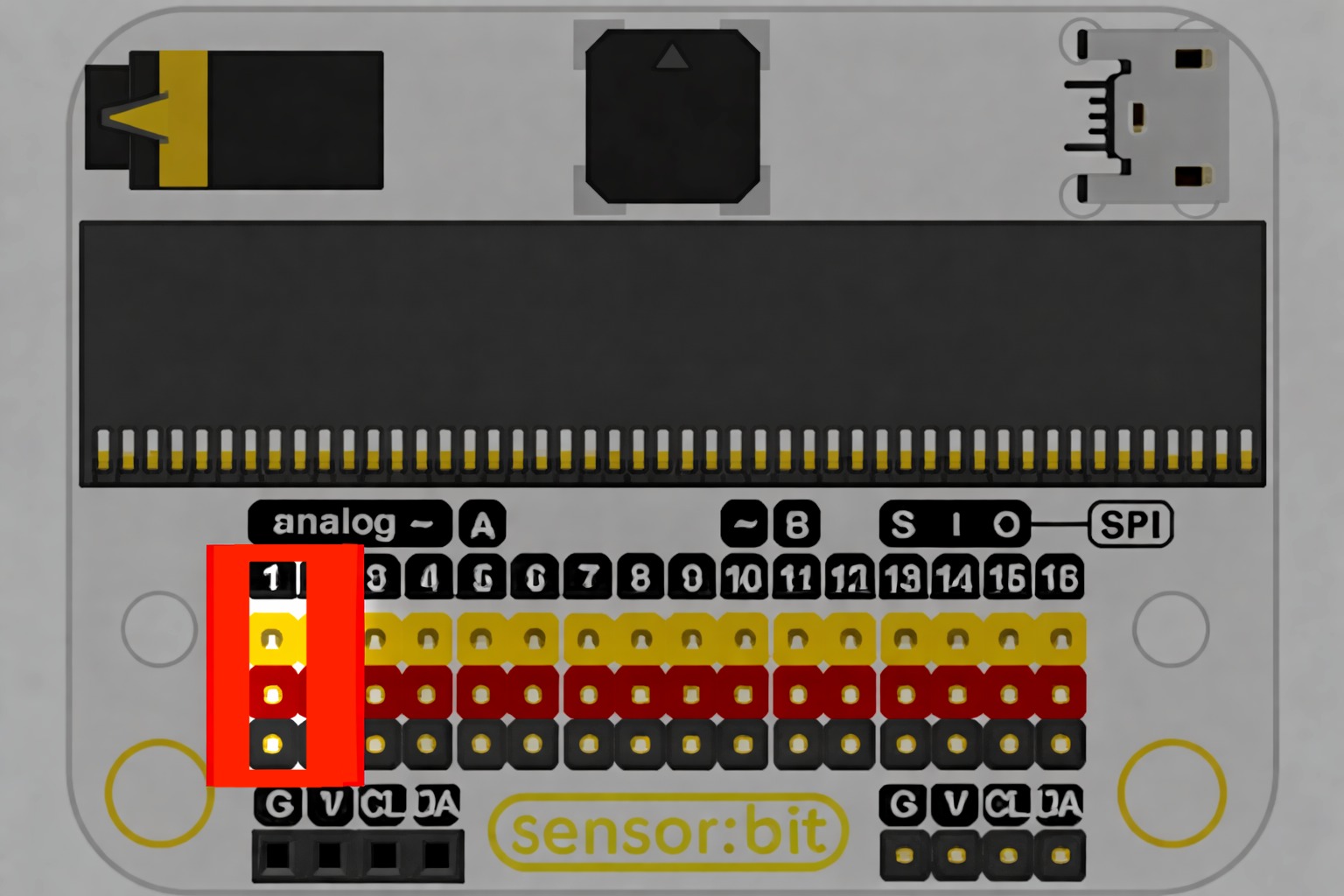
- Connect the Soil Moisture Sensor to the port P1.
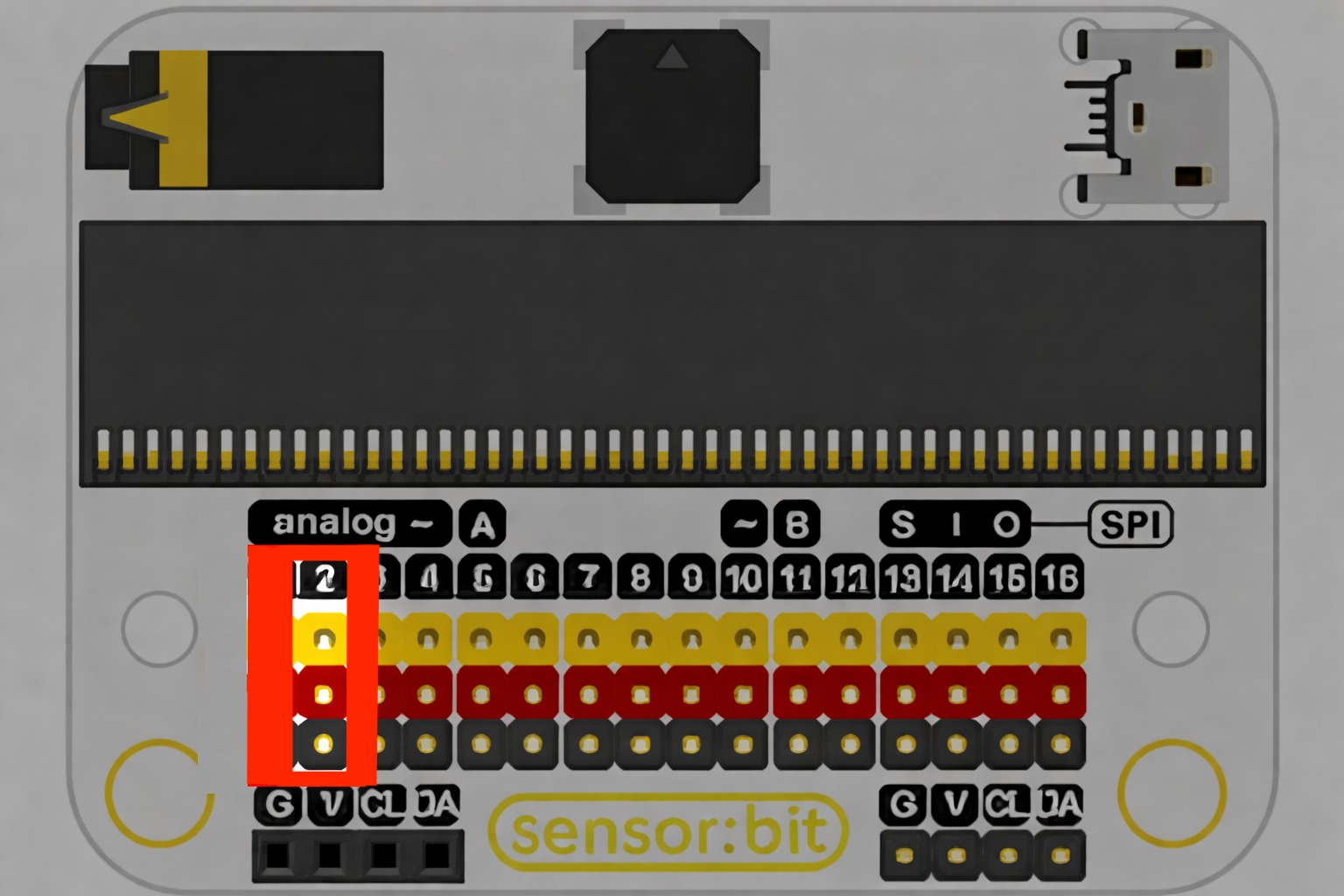
- Connect the Neopixel ring to the port P2.
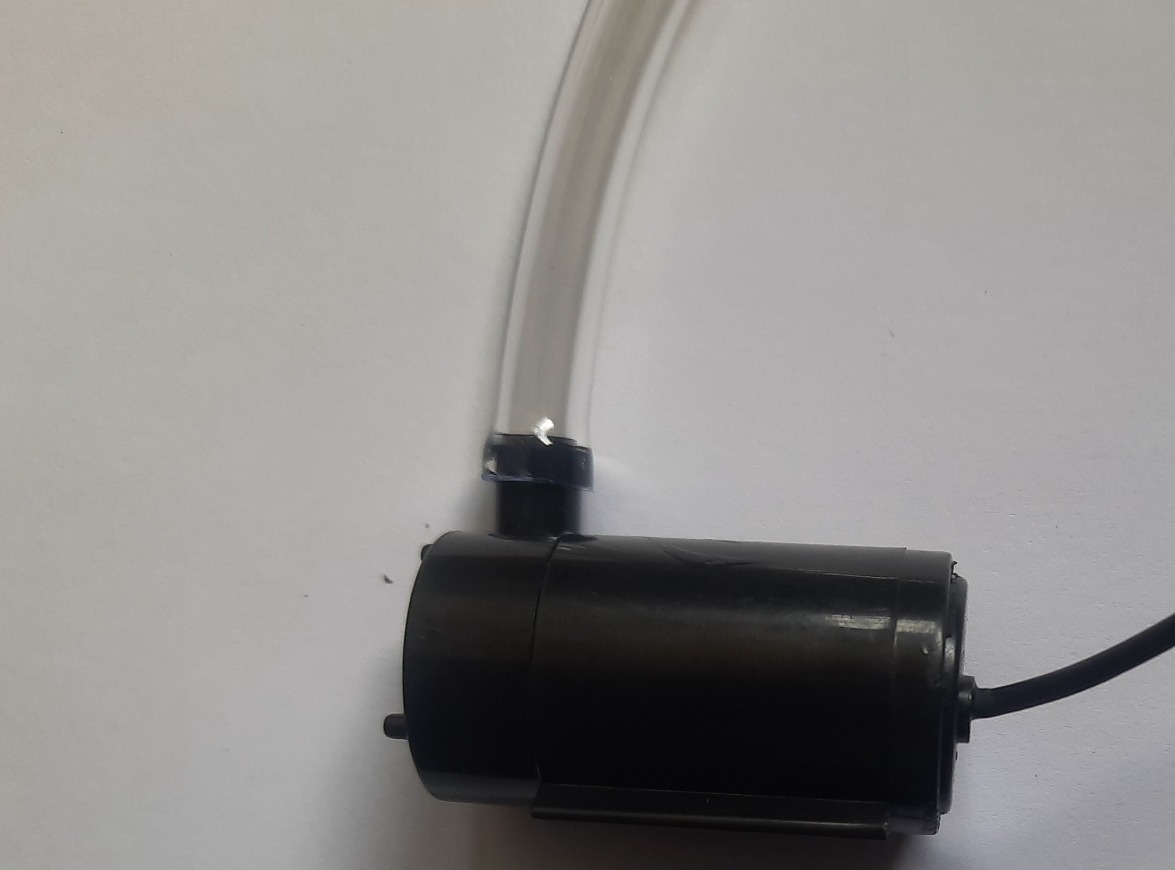
- Connect the tube to the pump.
- Connect 9V battery to the relay and the water pump.
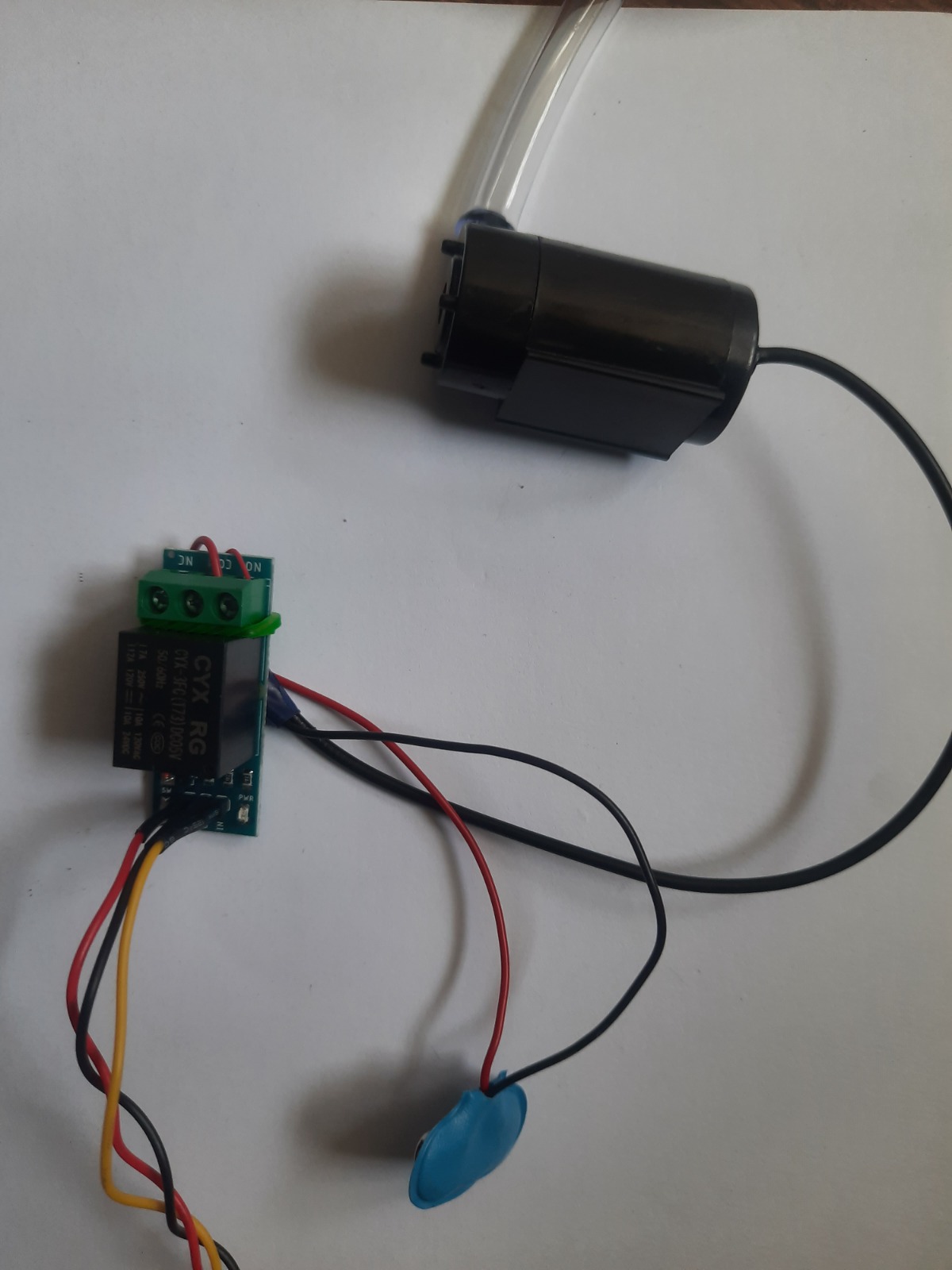
-
Connect the Relay to the port P8.
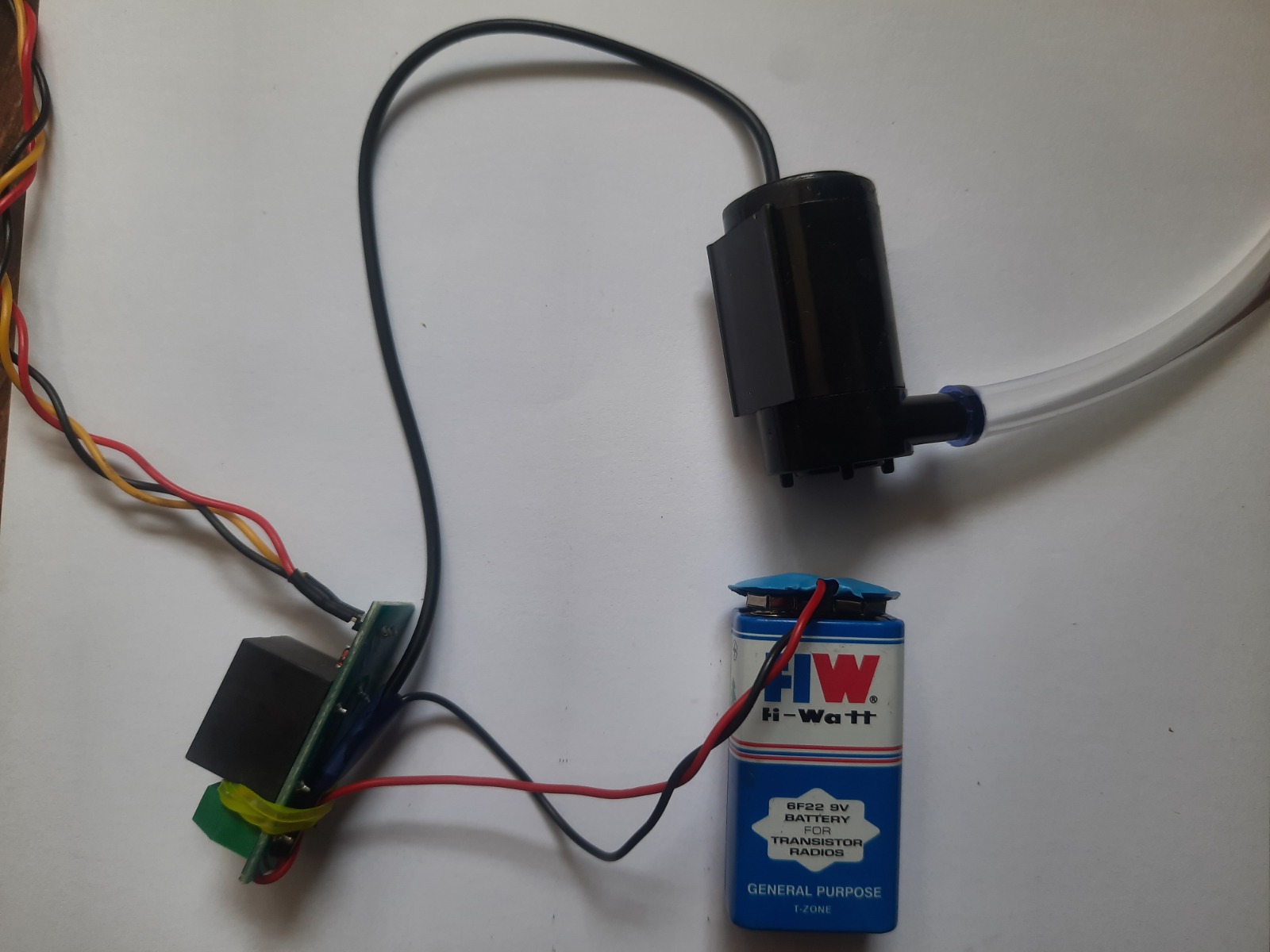
-
Group of I2C female header, which can connect with OLED module.
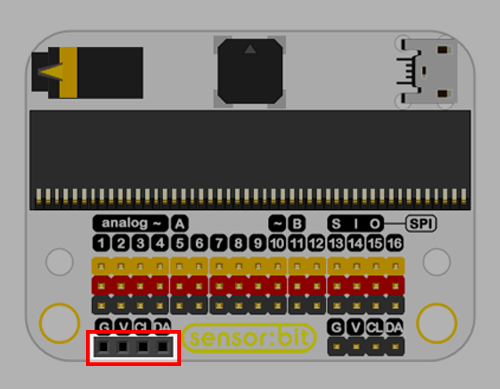
- Connect the OLED module directly.
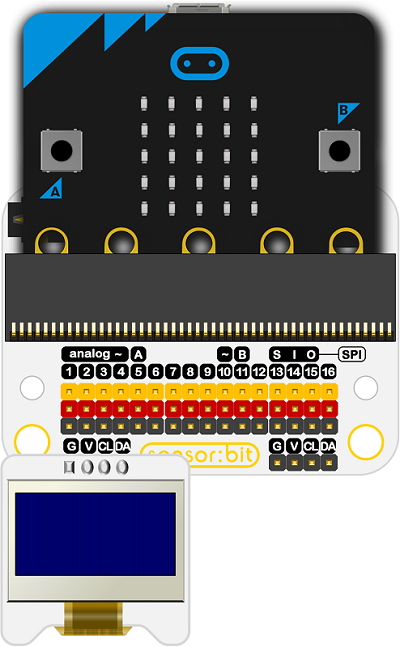
- Always keep the microbit, breakout board and sensors away from the water before you turn on the circuit to avoid damage to it. Only the pump and moisture sensor can be exposed to water.